Overview
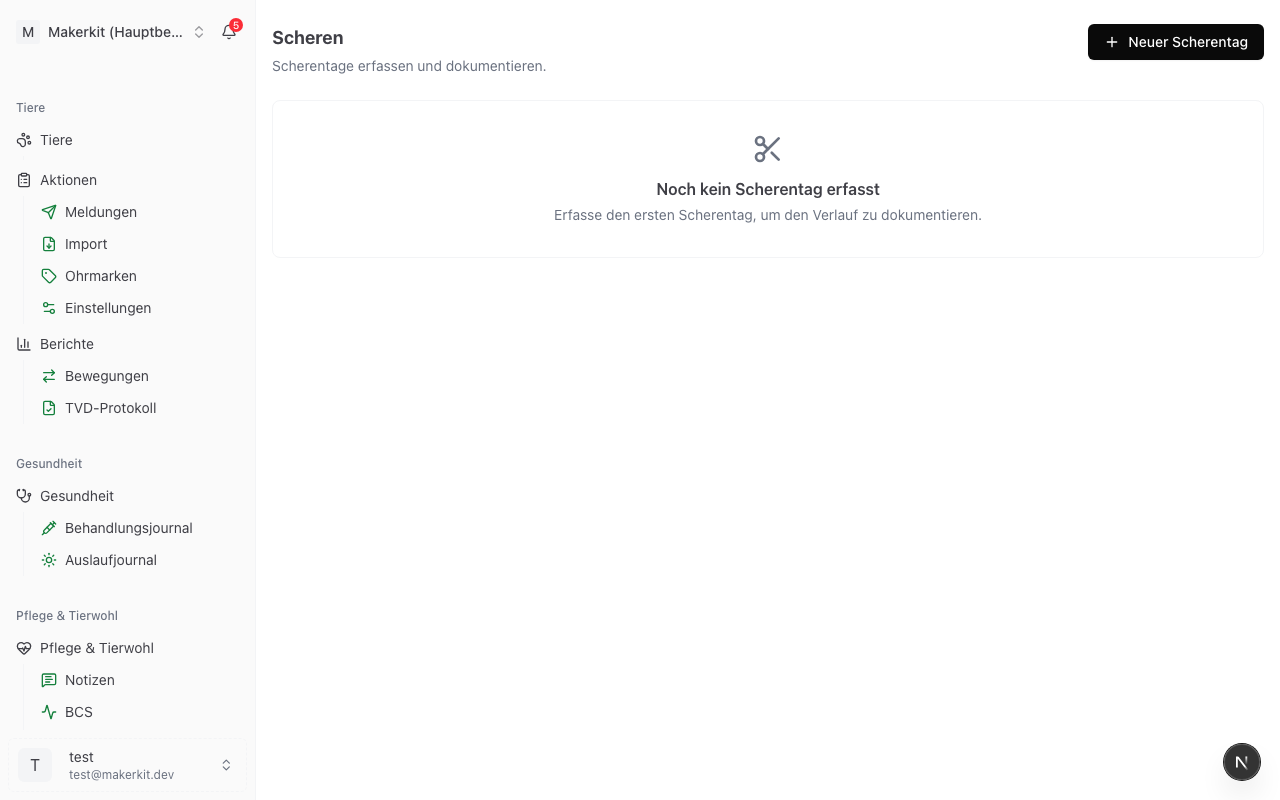
Shearing is one of the major annual tasks on sheep and goat farms. With the shearing day function in Herdy, you document the shearing in a structured way: one session per shearing date, covering all animals, any exceptions, and optional findings.
Note: The shearing module is automatically hidden on pure cattle farms.
Creating a shearing day session
- Go to Care > Shearing
- Tap New shearing
- Enter the following details:
- Date -- when was the shearing carried out (default: today)
- Location -- where the shearing took place
- Shearer (optional) -- who did the shearing
- Note (optional) -- general notes about the day
- Tap Start session
Marking animals as shorn
After starting the session, you can record the animals:
- Multi-select -- mark several animals and confirm them as shorn together
- Via ear tag scan -- use the Bluetooth scanner or camera OCR to go through animals one by one
- Via group -- enter an entire group (e.g. "Ewes 2025") at once
Animals that were not shorn as an exception (e.g. due to pregnancy shortly before lambing) are marked as skipped with a reason:
- Pregnant
- Injured / ill
- Too young
- Other (free text)
Findings per animal (optional)
Shearing often reveals skin problems, parasite infestations, or injuries. Record these per animal directly in the session:
- When marking an animal, tap Add finding
- Select from the list:
- Skin problem
- Parasite infestation
- Injury
- Hoof problem
- Other
- Optionally enter a free-text note
Findings automatically appear in the animal's timeline -- creating a direct link between the shearing day and any follow-up treatments.
Tip: If a finding requires treatment, you can create a new treatment directly from the finding.
Closing a session
When all animals have been recorded:
- Check the session summary (number of animals shorn, skipped, findings)
- Tap Close session
All entries are saved together. In the Shearing tab you will find a list of all previous shearing days on your farm.
In the animal profile
In the timeline of each animal you can see the last shearing events with date and status (shorn / skipped + reason). This gives you a complete shearing history even years later.
Audit note
For Bio Suisse and IP-Suisse, regular shearing is part of the animal welfare requirements. With the session documentation in Herdy you have a clear record -- per animal, per date, with location and responsible person.