Your herd is already in the TVD. Herdy fetches it.
You do not type 200 ear tags. The herd comes out of the animal movement database, the rest by CSV from your Excel, and all of it comes back out whenever you want.
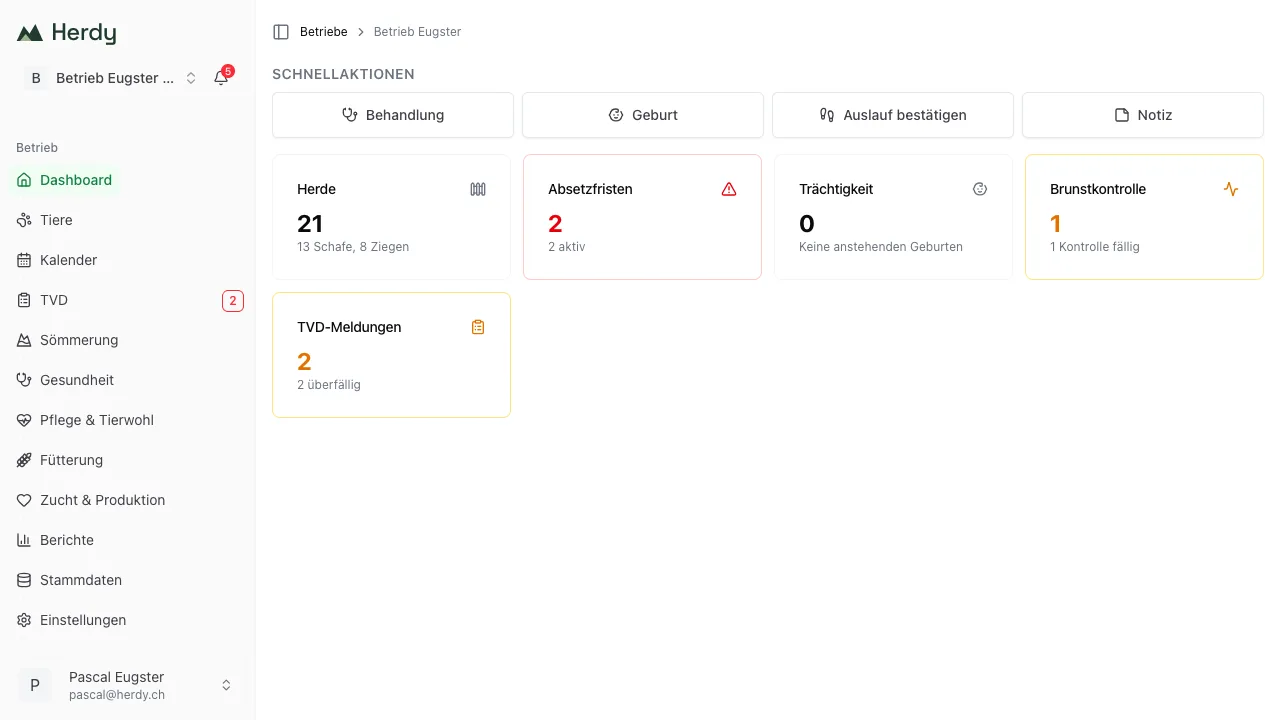
Your herd comes from the TVD, you type nothing.
In three steps.
Connect Agate
You sign in with your existing Agate login. Herdy stores no password of yours; the sign-in runs over the official route.
Fetch the herd
Herdy queries the TVD for your herd and creates the animals: ear tag number, species, sex, birth date and breed, as far as the TVD holds them. Every session is logged, you see animal by animal what was imported, updated or skipped.
The rest by CSV
What is not in the TVD you upload as CSV: names, groups, weights, your own numbers. The Excel you built yourself is imported, not replaced.
The farm is bound to your account after the first sync. That is deliberate: a report has to be attributable to exactly one farm.
What comes across, and what does not.
An import that promises more than it delivers is worse than no import at all. So both sides are listed here.
This comes across
- Every animal the TVD holds for your farm, cattle, sheep and goats
- Ear tag number, sex, birth date and breed, as far as the TVD has them
- An animal's movement history from the TVD
- Your ordered, not yet assigned ear tag stock
- Everything from your Excel that you upload as CSV
This does not come across
- Treatments from earlier years, the TVD does not know them, and a ring binder cannot be uploaded
- Old weights, notes and observations from the notebook
- Mating dates and pedigrees that were never recorded digitally
- Pigs, they are not held individually in the TVD in Switzerland
What you want to backfill, you backfill. What you record from today is complete from today.
And back out again, whenever you want.
A switch is only free of traps if the way back stays open. Your animal list, your treatment journal, your exercise log and your herd register leave Herdy as CSV or as PDF, complete, without being asked why and at no extra cost. And the reports that matter legally sit with the TVD anyway, not with us. We are a young Swiss company, and the question of whether we will still be here in five years is a fair one. The honest answer is not a promise but an export button.
Where you are coming from.
From paper
The list on the barn wall stays, if you like it. What goes is the evening you spend typing it up. The herd Herdy fetches from the TVD; from then on you record where it happens.
From Excel
Your Excel is imported, not deleted. Ear tag number, name, group, weight, uploaded as CSV and matched to the animals that already came from the TVD.
From another program
The herd comes from the TVD, whichever program held it before. Whatever your current program exports comes in by CSV. And you do not have to cancel straight away, plenty of farms run both for a season.
Not sure whether your case is covered? Write to us, we will look at it before you set anything up.
Frequently asked questions about switching.
The herd sync itself takes minutes, not days. Herdy queries the TVD and creates the animals. The only time cost is whatever you want to add afterwards: names, groups, old weights. You can backfill that over weeks; it does not hold you up.

Connect Agate. Then you will see your herd.
14 days free, no credit card.