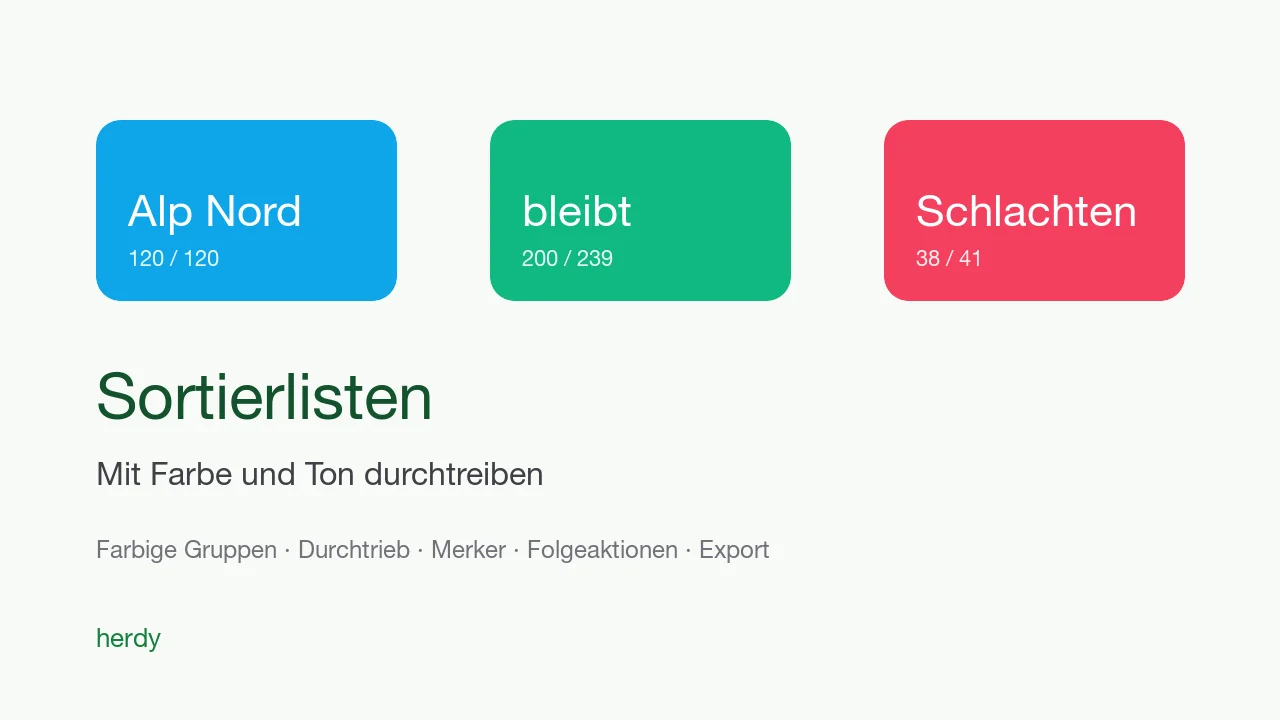
On sorting day it takes seconds to decide whether an animal goes left or right. Until now the animal list on the phone helped, with searching and scrolling. Now you prepare the division, and when scanning Herdy tells you with colour and sound where the animal belongs.
Sort lists with coloured groups
- A sort list has up to nine groups, each with its own colour, for example "slaughter", "Alp Nord" and "stays".
- Animals come from an animal group, by filter with a live count, by search, by scan or from a file with ear tags.
- Build groups from an attribute creates the groups by sex, age class, breed, group, withdrawal period, status or weight class.
- A group can carry an Alert text and the requirement Acknowledge: the sorting run then stops at every animal of this group.
- Entry points: Sort in the animal list, Sort list in selection mode, Sort list from group on the group page, As a sort list for saved views.
Sorting run at the sorting table
- Start sorting run creates a record like a count. Every scan fills the hit card entirely with the group colour, with the group name large on it and its own tone per group.
- Animals in no group you assign with a tap; if an animal goes to a different group than planned, you regroup it during the run. Update list takes that over into the plan afterwards.
- The summary shows per group how many were scanned, are missing, were regrouped or assigned.
- Sorting run without list starts when loading without preparation, with two empty groups that you name in the counter.
Alert on the animal
The new field Alert when scanned in the animal form, such as "do not breed" or "check hooves", appears every time the animal is scanned: in recording sessions, in the scan tray, in the count and in the sorting run, with three short tones. The animal profile shows the badge Alert, the animal list the filter With alert, selection mode Set alert for several animals.
Straight on after sorting
Every group has a menu with follow-up actions for exactly its animals: Treatment, Report departure, Report slaughter (for sheep and goats), Assign group, Summering and CSV of this group. In the list detail, Export exports the whole list as CSV or as PDF with one table per group and a colour bar in the header.
Summering: sorting run for the alp ascent
On the season page, Sorting run for the alp ascent creates a list with the group "Alp" holding all season animals and an empty group "stays", and starts the sorting run immediately. From the group "Alp", Go to season leads back. The scan tray also knows the new target Sort list.
More in the documentation on sort lists and sorting runs.