Overview
Partner farms are the holdings you exchange animals with: other farms, slaughterhouses and alps. Once saved, you pick them from a list for arrivals, departures, slaughter and summering instead of typing the TVD number and address again.
You reach them under Master Data > Partner Farms. Workers and family members only see this area with access to the «Animals» module.
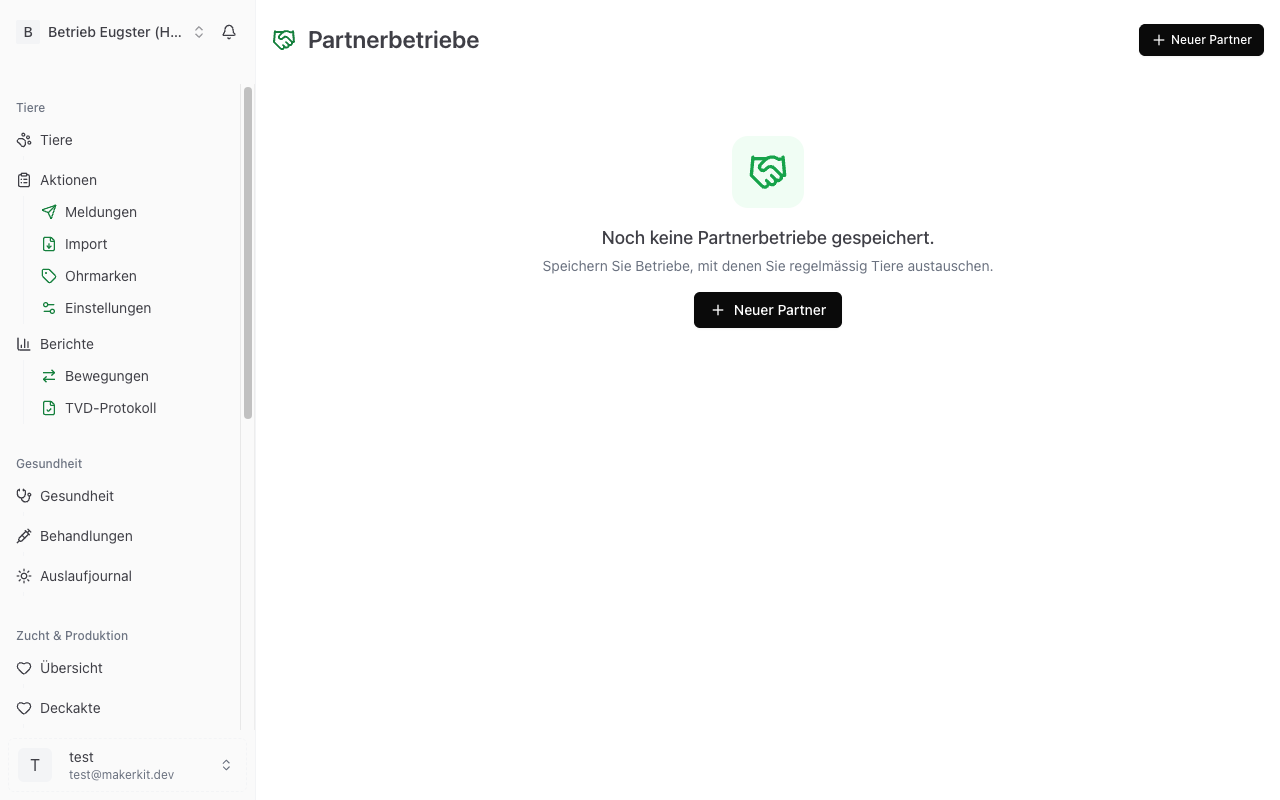
Creating a new partner farm
- Go to Master Data > Partner Farms.
- Tap New Partner.
- Enter the TVD Number. It has seven digits; you may type dots and spaces, Herdy removes them.
- Leave the field. Herdy now looks the address up in TVD. If the holding is found, Herdy fills in name, address, postal code and city and reports «Address found and filled in».
- Choose at least one Category:
- Farm for buying, selling and relocation.
- Slaughterhouse for slaughter notifications.
- Alp for summering.
- Add Address, Postal Code, City, under «Contact» the Name, Phone and Email, and Notes (for example «Closed on Mondays») as needed.
- Turn on Favourite if the holding should appear at the top of the list.
- Tap Create.
The automatic address lookup requires your farm to be connected to TVD and the number to be known there. If it is not, you see «Could not load address» and enter the details by hand. The partner farm can still be saved.
Known limitation: when the address was filled in automatically from TVD, saving sometimes fails with a validation error on the «Postal Code» field. Retype the postal code once by hand and save again.
Tip: Create your most important partners right at the start. From then on every TVD notification is a selection rather than an entry, and typos in the TVD number are ruled out.
Categories
A holding may carry several categories. A farm you buy animals from and whose alp you also summer on is both «Farm» and «Alp». The category decides in which selection list the partner appears.
Detail view
Tapping a partner in the list shows:
- TVD number and name in the header
- the Categories and, if set, the Favourite badge
- Address with postal code and city
- Contact with name, phone and email; phone and email are tappable
- Notes
- Usage Statistics: how often and when you last used this holding in a notification
- Footrot status with the Look up status button
Checking the footrot status before buying
On the detail page, Look up status asks TVD directly what footrot status this holding has. Herdy shows the answer and does not store it, because it is another holding's status and can change at any time.
- Free: trade is permitted.
- Not tested: buying from it costs you your own «free» status.
- Blocked: buying from it is not permitted.
More about the national control programme and your own status is under Footrot.
Favourites
Mark frequently used holdings as favourites. In the list, simply tap the star to the left of the entry. Favourites are highlighted in yellow and appear at the top of selection lists.
Editing a partner farm
- Open the detail view.
- Tap Edit.
- Change the fields and tap Save.
The TVD number cannot be changed afterwards; the field is locked while editing. If it is wrong, delete the entry and create it again.
Deleting a partner farm
- Open the detail view.
- Tap Delete.
- Confirm the dialog «Delete partner farm?».
The entry is removed permanently. Notifications already sent are unaffected, they carry their own copy of the number and address.
Use in TVD notifications
When creating a notification that involves another holding, you pick the partner from your saved list and Herdy fills in the TVD number. How the individual notifications work is described under TVD Notifications, and the alp notifications under Alpine Summering.
Tip: If you enter a number in a notification that is not yet in your list, you can save the holding as a partner afterwards and will find it immediately next time.